![Filmhub_Logotype_Neg.png]](https://help.filmhub.com/hs-fs/hubfs/Filmhub_Logotype_Neg.png?height=25&name=Filmhub_Logotype_Neg.png)
In this guide:
- How to create your Filmhub account
- How to update your account settings
- Notifications
- Upgrading your Filmhub plan
- Go to www.filmhub.com.
- Click on "Submit" in the upper right corner.
- Sign up with your email address or a social login.
- Check your email inbox, on the same device, for a login link and a one-time code
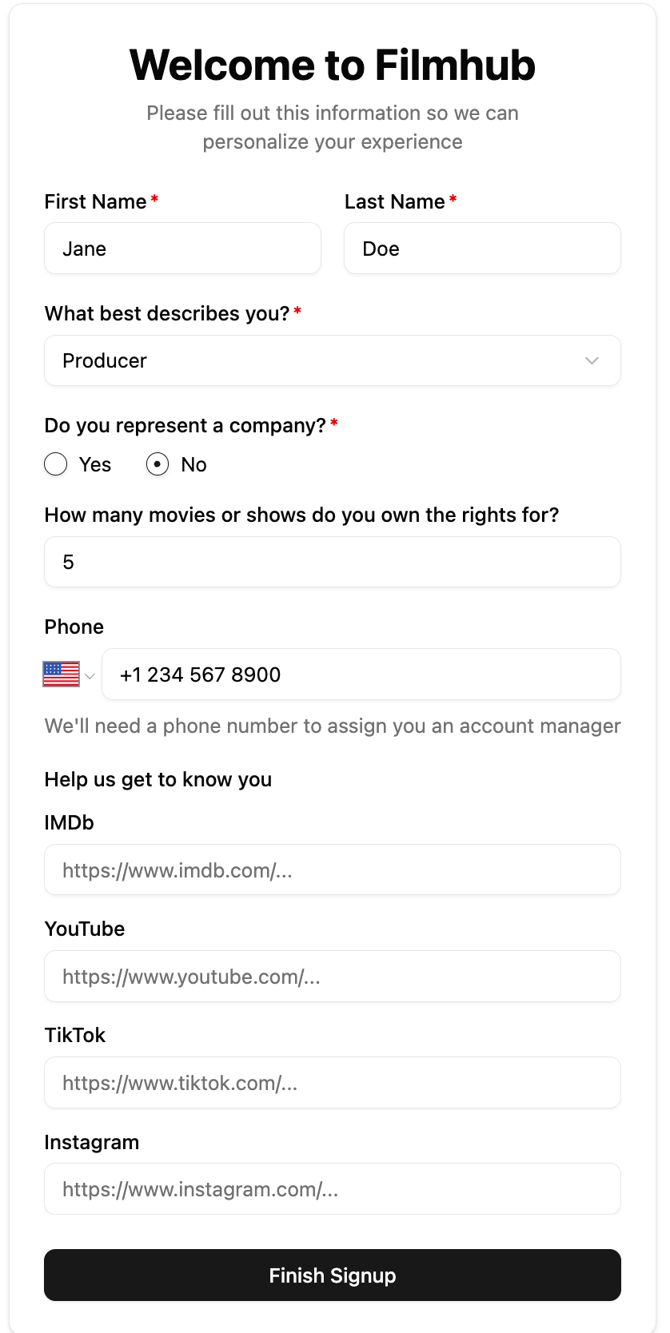
- Click the link to verify it’s you or enter the code, and you will be directed to a form so that we can personalize your experience.
- Once you’ve completed the form, click on “Finish Signup” and you will be directed to your Dashboard Homepage.
How to update your account settings
If you ever need to update your name, email, or any of the information from the initial form, you can do so within your Dashboard.
Click on your Name in the bottom left corner and “Account” to pull up your Account Settings:

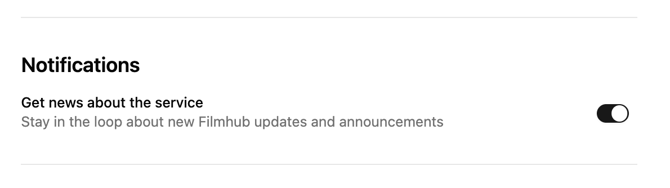
Notifications
Make sure you're up-to-date on all Filmhub updates and announcements by keeping Notifications turned on.
Upgrading your Filmhub plan
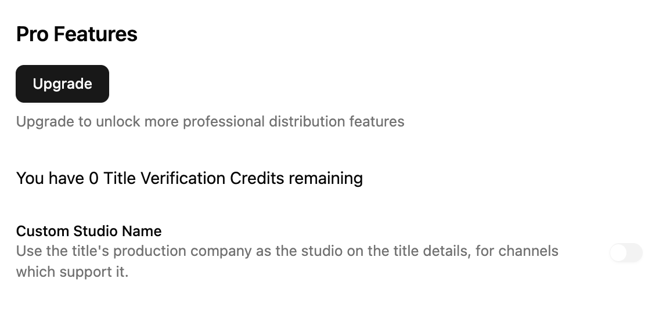
If you’re looking to unlock more professional distribution features and services, you can Upgrade your account at any time. You can manage your current subscription Plan here as well.
Related articles
Need more help?
Search the Help Center or submit a support request. Email and chat with our team are included with Premium and Premium Plus. Compare plans