![Filmhub_Logotype_Neg.png]](https://help.filmhub.com/hs-fs/hubfs/Filmhub_Logotype_Neg.png?height=25&name=Filmhub_Logotype_Neg.png)
In this guide:
Filmhub security overview
At Filmhub, you maintain 100% control over your rights. It is core to our philosophy that you own your work while partnering with us, which is why we take the security of your titles and personal information extremely seriously.
Filmhub follows the Motion Picture Association (MPA) Best Practices for password policies. This is why we are following the trend in the industry to go passwordless and move to a login system of sending Magic Links. This new sign-in flow is widely recognized by the security industry as being a much better balance of security and convenience than the typical password.
Why typical passwords are risky
-
Passwords that are too simple can be easy for a hacker to figure out.
-
Passwords that are harder to crack are generally harder to memorize which might lead you to use a simple password across multiple websites, but if one service is hacked, the hackers get access to all accounts tied to that password.
-
The best way to secure all of your passwords is to change them often, but changing your password too often makes your account vulnerable to attackers.
Logging in with a code or a link
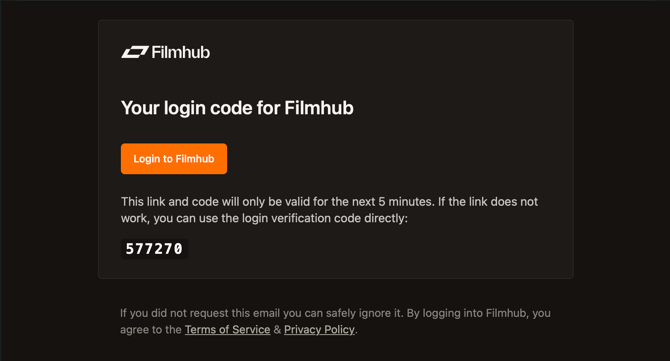
When you log in to Filmhub, we send you an email with two ways to get in: a login link and a one time code. Use whichever one is easier for you.
How it works
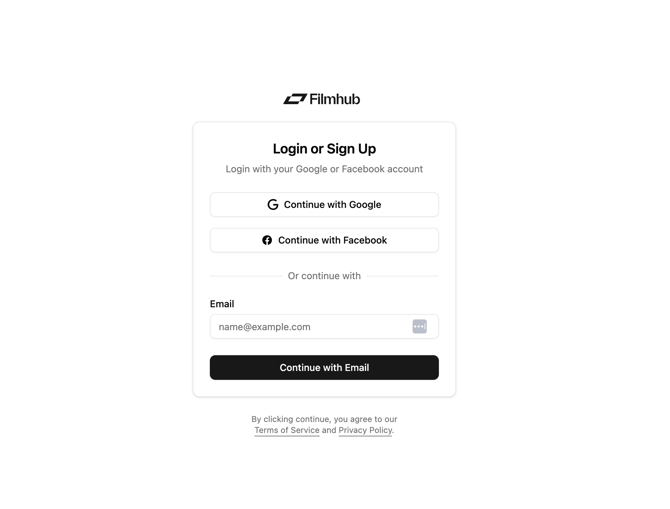
- Enter your email on the login screen
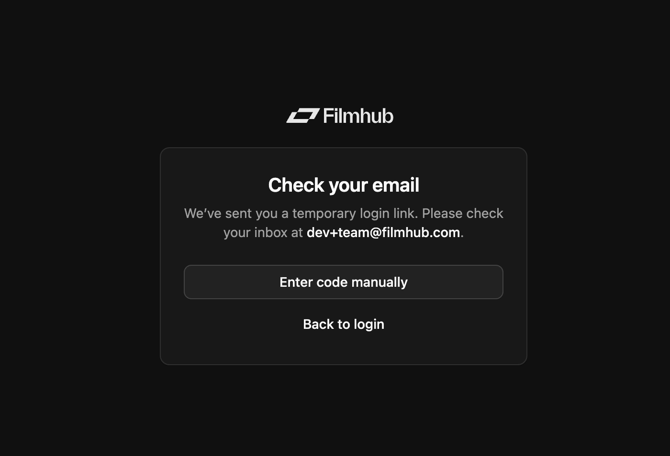
- Check your email for a message from Filmhub.
- Either:
- Click the login link, or
-
- Enter the 6 digit code on the login screen.
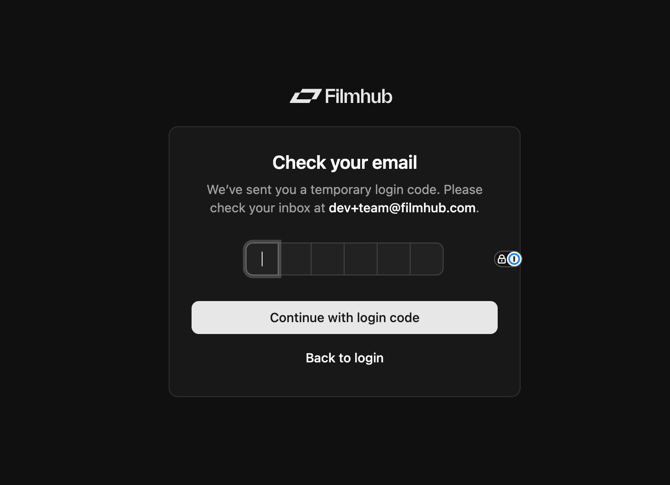
You only need to use one of the two. Both get you to the same place.
Multiple people from my team/company need to be able to access my Filmhub account, how do they log in?
- To allow multiple users to access the magic link email, create a unique email address and password to be shared amongst authorized members of your team.
- We recommend using a secure password-sharing tool such as 1Password or Lastpass.
- Once you’ve set up the new email address, please reach out to support@filmhub.com to update.
I tried logging in with the Google extension and received an error. What do I do?
- If you are receiving an error when trying to log in via the Google extension, this means your account is already linked. To log in, please type in your email address and you will receive a magic link to your inbox.
Do I need to use both the code and the link?
-
No. They're two ways to complete the same login. Use one.
I signed up for Filmhub using an old email address I can no longer access. How do I log in?
- Please reach out to support@filmhub.com so we can authenticate your account. We may ask for photo identification and other account-specific information